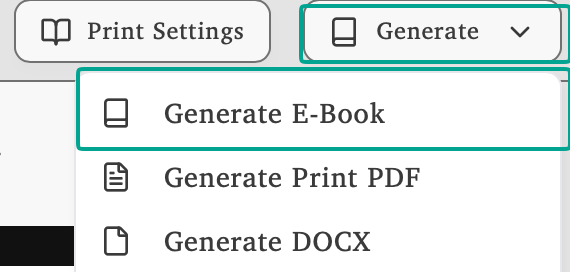
Click Generate and select Generate E-Book to open the export dialog.
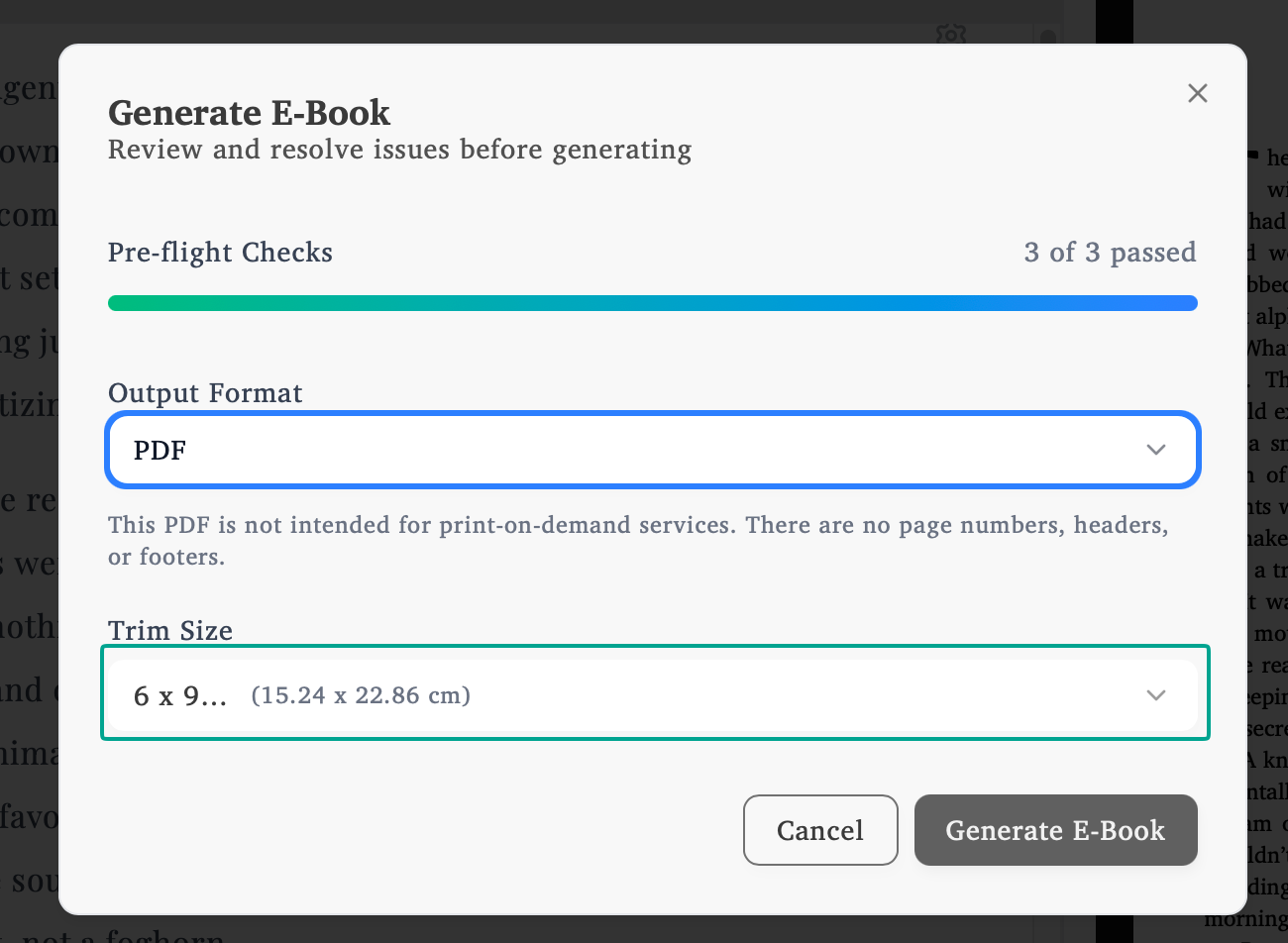
In the Generate E-Book dialog, select PDF from the Output Format dropdown. You can also choose your preferred trim size before generating.
What is an Ebook PDF?
An Ebook PDF is a streamlined version of your book without print formatting. No page numbers, margins, headers, or footers. Just your content formatted for digital reading. For the standard ebook format used by Amazon, Apple Books, and Kobo, export your book to EPUB instead. For physical print on KDP and IngramSpark, export a print-ready PDF.
Common Uses
Reader magnets - Offer free chapters or bonus content to subscribers
Website downloads - Distribute your book directly from your site
Email distribution - Send formatted books to readers or beta readers
Alternative format - Provide PDF alongside EPUB for reader preference
License Required
Get Your License
Ebook PDF generation requires an active Lacuna license.