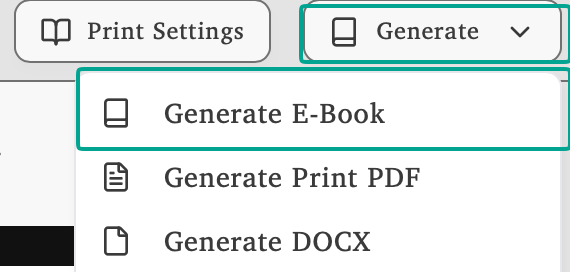
Click Generate and select Generate E-Book to create your professional EPUB file. Make sure you’ve completed the book metadata for publishing and run the self-publishing checklist, both are required before EPUB generation succeeds.
Choose Your Output Format
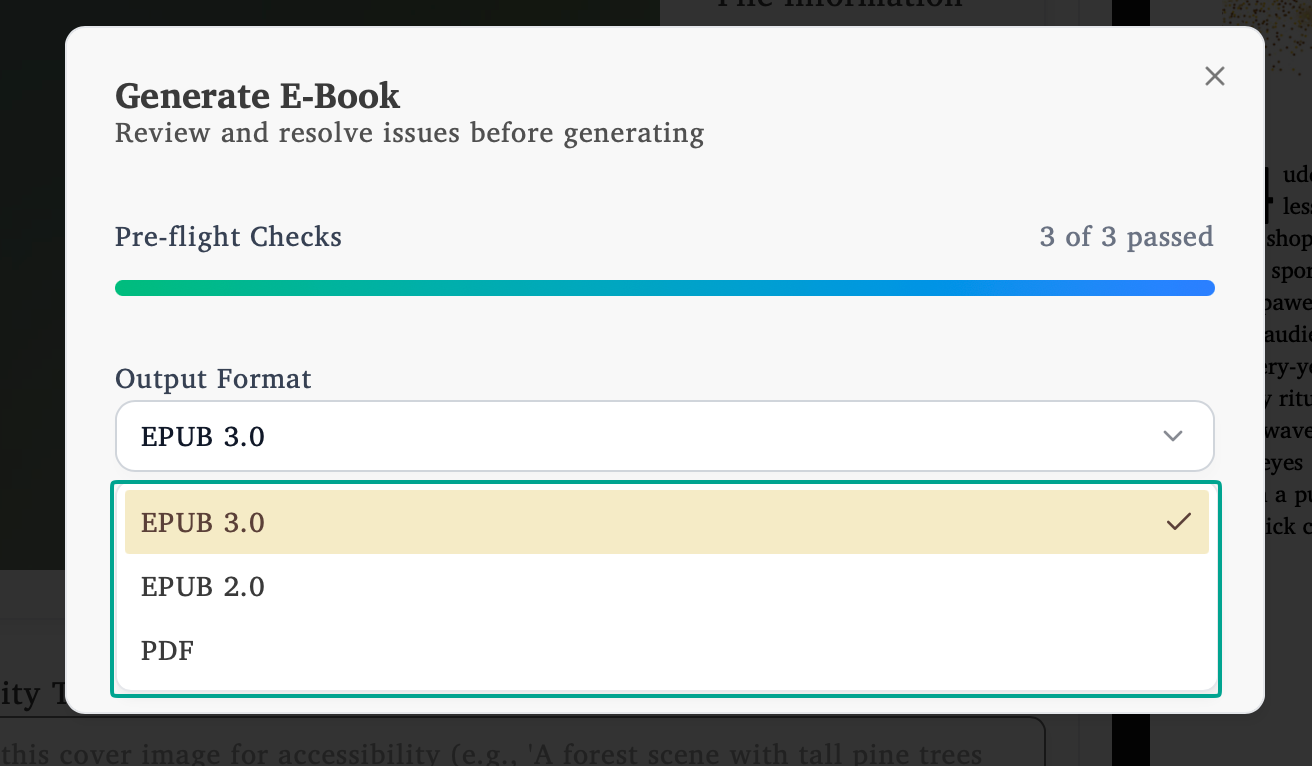
The Generate E-Book dialog lets you select your preferred output format:
EPUB 3.0 - The modern standard with enhanced features and accessibility support
EPUB 2.0 - Maximum compatibility with older e-readers and platforms
PDF - Ebook PDF format for fixed-layout digital distribution (see Export Ebook PDF for details)
Export EPUB Features
EPUBCheck validated - Passes all industry validation tests automatically
Platform ready - Compatible with Draft2Digital, Amazon, and all major distributors
Professional metadata - ISBN integration and complete publishing details
Optimized files - Compressed images and proper accessibility features
Box-set ready - Book volumes are organized into tidy per-volume folders inside the EPUB automatically
EPUB Features
Validation & Quality
EPUBCheck validated - Passes all industry tests
Platform compatibility - Works on all major distributors
Accessibility compliant - Proper screen reader support
Professional Metadata
ISBN integration - Proper embedding for tracking
Complete details - Title, author, description included
Navigation structure - Correct guide and spine management
File Optimization
Image compression - Optimal file sizes maintained
Search optimization - Metadata formatted for discovery