Find and Replace Text
Click the Search tab in the section sidebar to search across your entire manuscript. Use the keyboard shortcuts Ctrl+Shift+F (Windows) or Cmd+Shift+F (Mac) to open it instantly. To find by element type (every blockquote, image, or callout) see search book elements and formatting.
How It Works
- Searches your entire book: Not just the current section
- Searches inside your notes too: Matches found in footnotes, endnotes, image captions, and image alt text appear automatically, tagged
[FOOTNOTE],[ENDNOTE],[IMAGE CAPTION], or[ALT TEXT]so you know where each one lives - Purple highlighting: Matches are highlighted so you can spot them easily
- Real-time updates: Results update as you edit
- Click to jump: The editor and your open preview both move to the match, using the same editor and previewer sync as the sync shortcuts
Search Options
Match Case
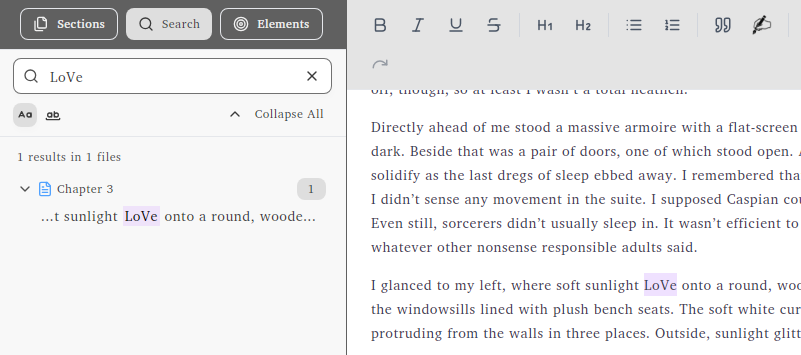
“Luna” finds only “Luna”, not “luna” or “LUNA”
Match Whole Word
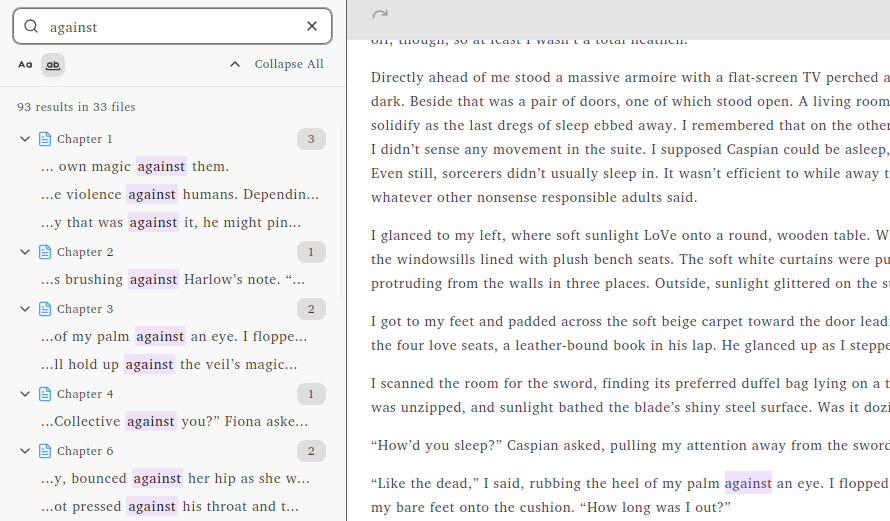
“moon” finds “moon” but not “moonlight”
Replace Text
The Search panel can also replace text across your whole book, not just find it. Open the replace field, type what to search for and what to replace it with, and apply it to every match at once or one at a time. You can open replace directly with Ctrl+Shift+H (Cmd+Shift+H on Mac). Match Case and Match Whole Word apply to replace too, so you only change the matches you mean to.