Get Your License
Ebook PDF generation requires an active Lacuna license.
Ready to publish? Visit lacuna.pub/pricing to purchase your lifetime license.
After purchase, see Managing Your License for activation instructions.
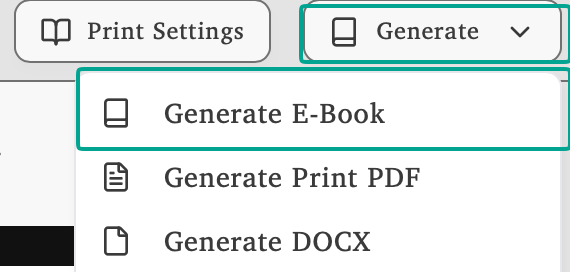
Click Generate and select Generate E-Book to open the export dialog.
In the Generate E-Book dialog, select PDF from the Output Format dropdown. You can also choose your preferred trim size before generating.
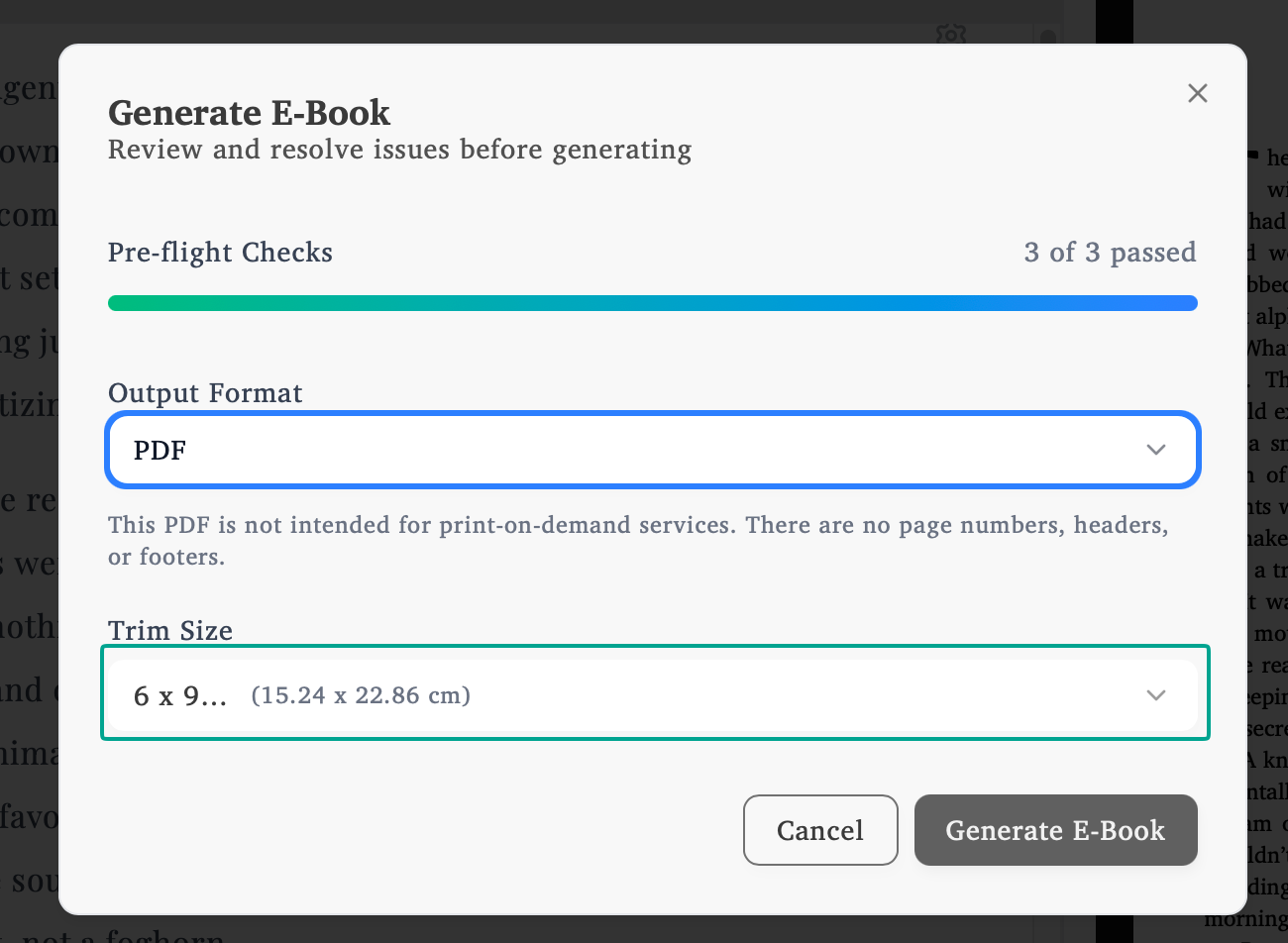
An Ebook PDF is a streamlined version of your book without print formatting. No page numbers, margins, headers, or footers. Just your content formatted for digital reading.
Get Your License
Ebook PDF generation requires an active Lacuna license.
Ready to publish? Visit lacuna.pub/pricing to purchase your lifetime license.
After purchase, see Managing Your License for activation instructions.